Attendant Resources
Empower Your Car Wash Attendants with EverWash's Resources & Webinars

Attendant Webinar Workshops
Gain skills to become an expert in car wash membership sales.
New Attendant Training
What You’ll Learn
Foundational training with everything you need to get started with EverWash. After completing New Attendant Training, you should be able to:
- Feel confident navigating the EverWash App.
- Approach car wash customers and pitch/sell membership packages.
- Answer FAQs and assist customers with their membership.
This live training is available to any EverWash partner and conducted via Zoom.
Advanced Sales Tactics
What You’ll Learn
Advanced sales training to drive more membership sales at your car wash location. After completing Advanced Sales Tactics, you should be able to:
- Confidently approach all customers with a delightful and effective sales pitch.
- Sell memberships at a higher conversion ratio.
- Come away with a mastery of the EverWash App.
This live training is available to any EverWash partner and conducted via Zoom. It is recommended that you first attend the New Attendant Training before joining Advanced Sales Tactics.
Upcoming Sessions
Click a link below in order to join the webinar:
Meeting ID: 987 395 4749
Find your local number: Here!
What does an attendant do?

Inform customers about Membership Programs

Assist customers with signing up
Answer customers’ questions
How to Sign Up Customers
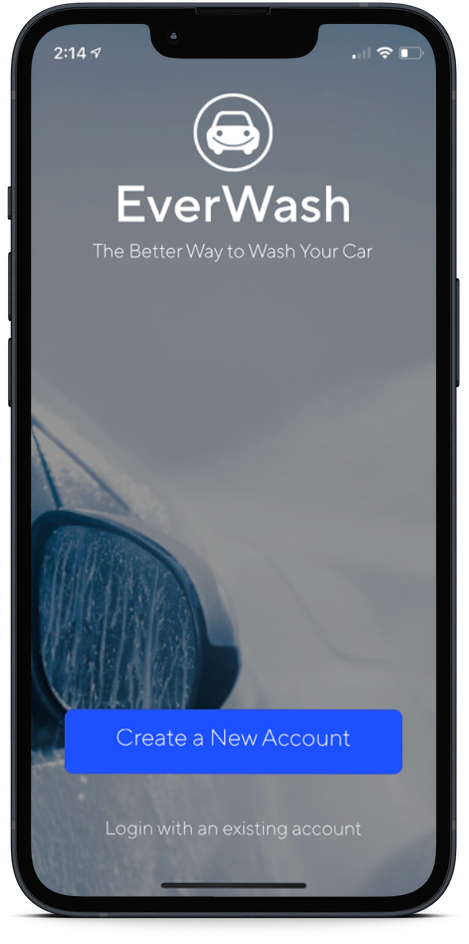
Step 1
Open the EverWash App and log in with your designated email and password.
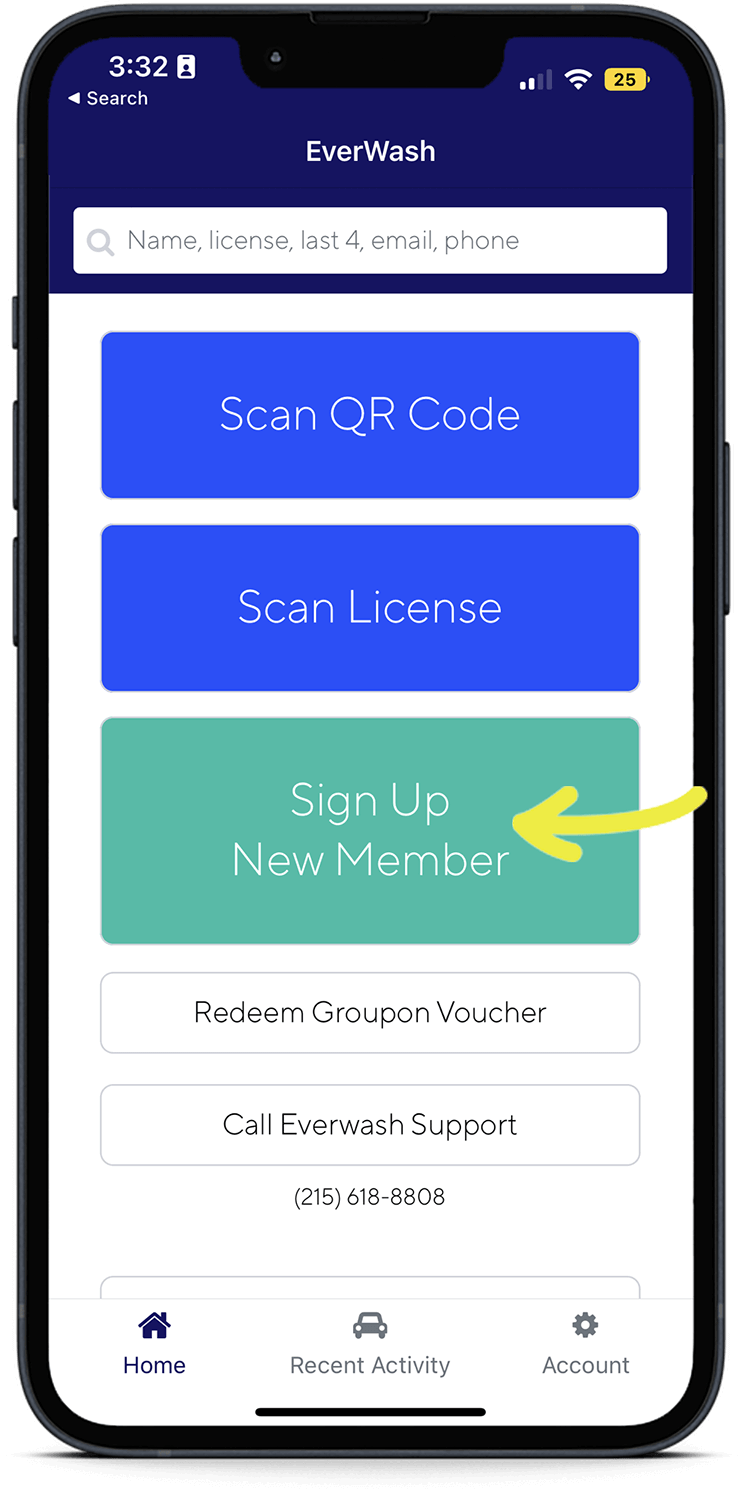
Step 2
Select “Sign Up New Member” and choose your name to ensure you get credit for the sale.
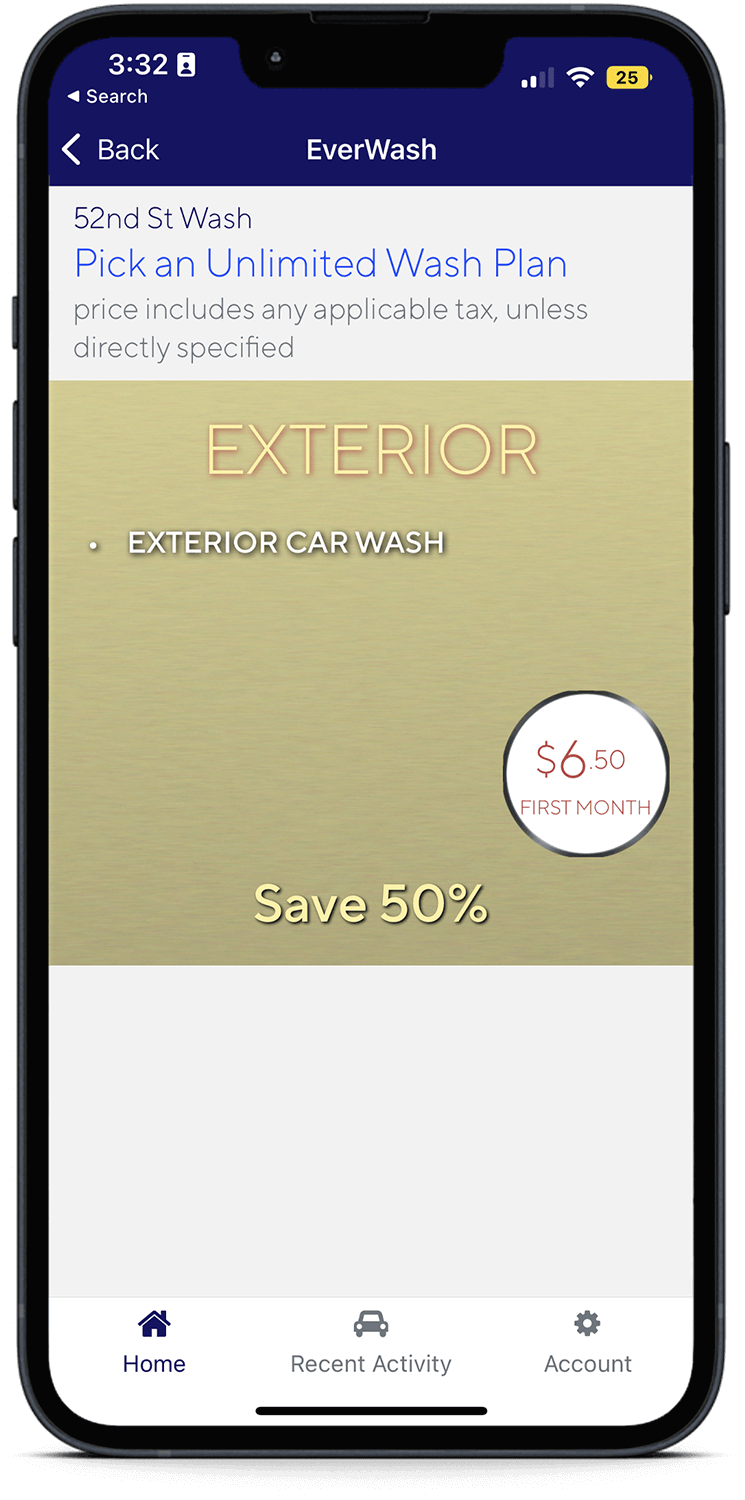
Step 3
Select the membership plan the customer wants and ask for the credit card.
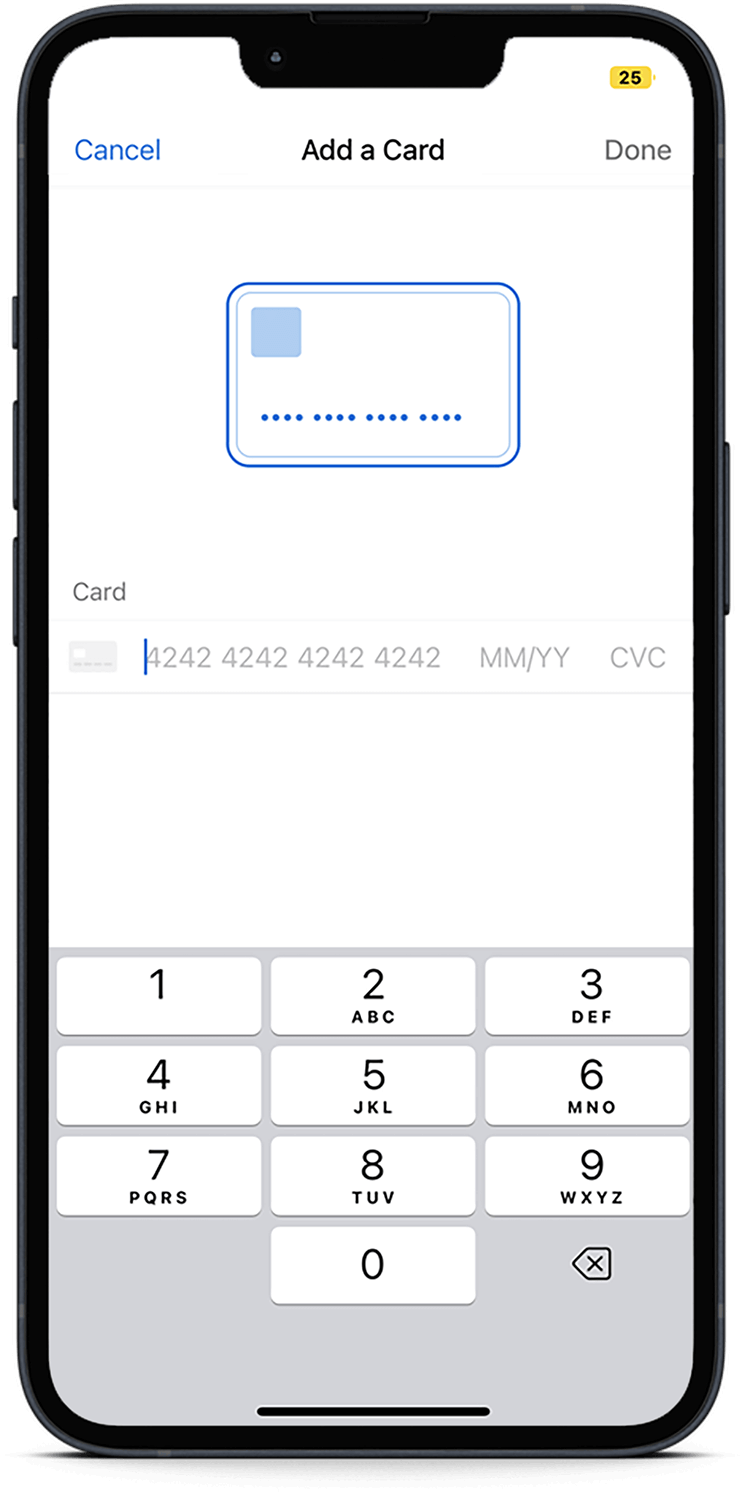
Step 4
Manually enter all the information needed and press “Submit”.
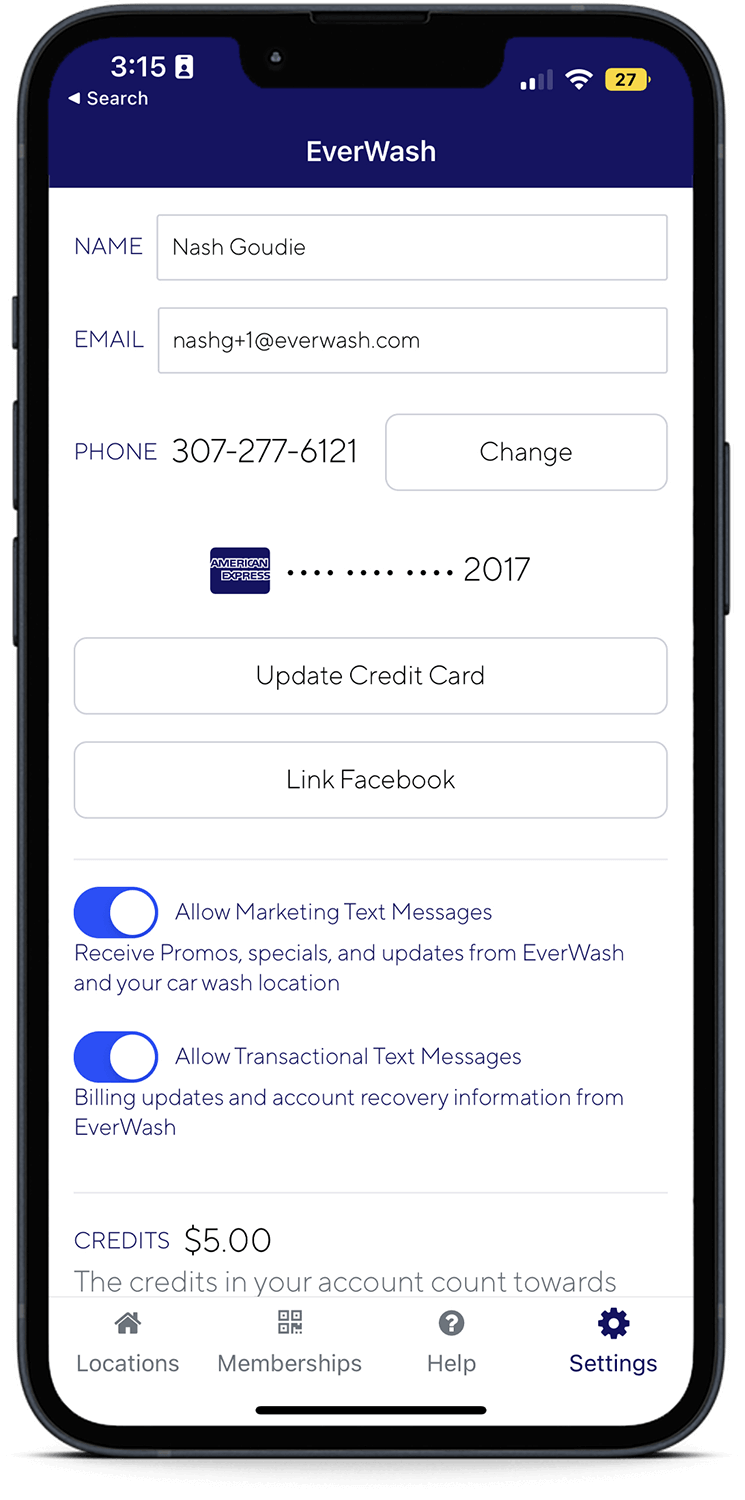
Step 5
Explain the process to the customer and follow instructions to download the app.
Common Questions from Customers
Meet the Team
Sean Pashley
Vice President of Partner Success
After a successful career in restaurant consultation, Sean now leads and manages implementations of new car wash partners at EverWash. Sean hosts our Advanced Sales Tactics webinar with a proven track record in car wash membership sales.